Example 1
A considered product image
- Starting point
- An editorial still life and your creative brief.
- Useful result
- A chosen crop, a PNG download and a project you can reopen.
Write a brief, preview a visual direction and export a crop.
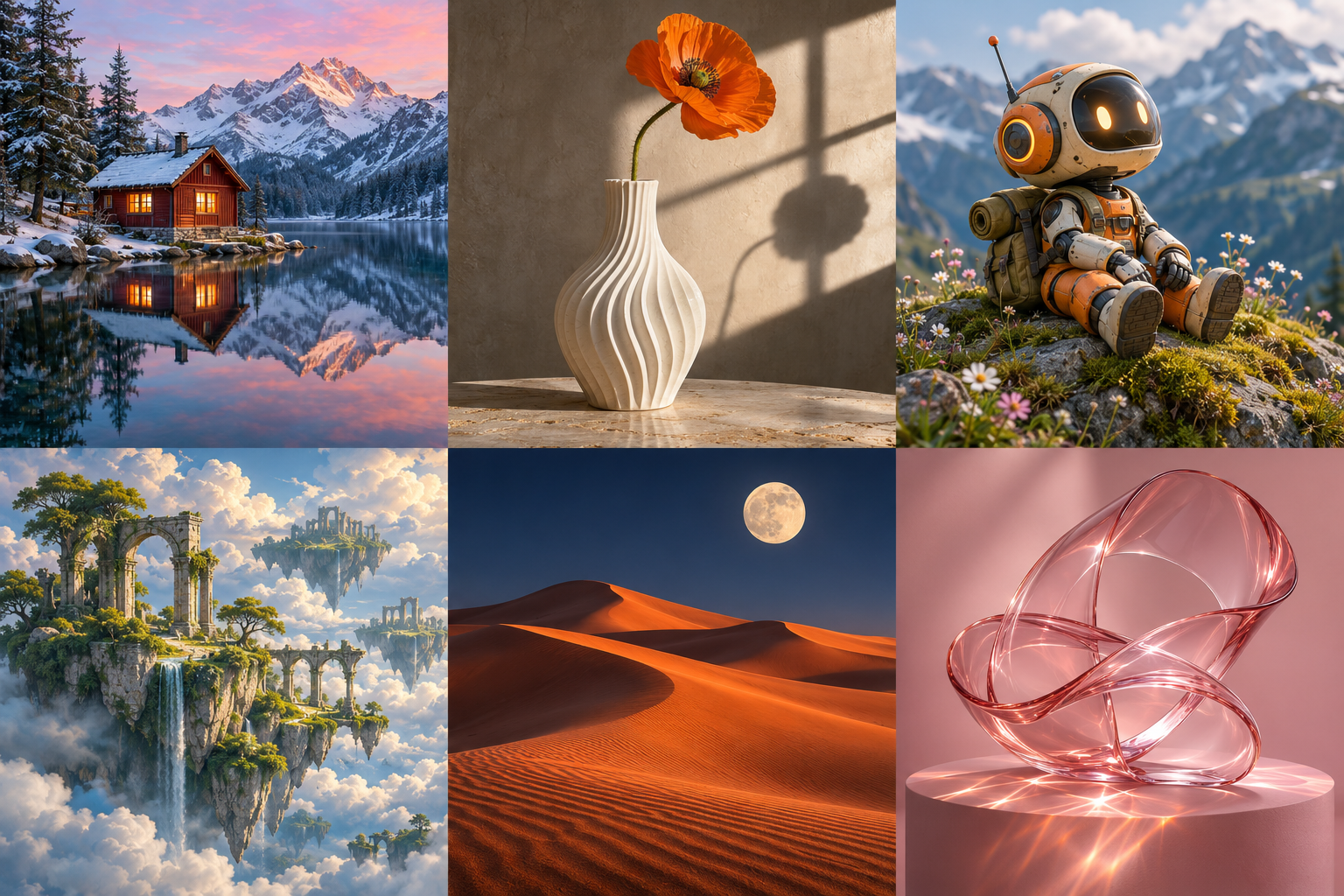
Save a project from the preview to keep its prompt, artwork and crop here.
The essentials
Keep an image direction, your own prompt and the final crop together in a saved project.
Possible starting points
Example 1
Example 2
A clear path
Start from a style or an image in the inspiration strip.
Edit the prompt and preview an example crop.
Download the visible PNG or save the project on this device.
Access & output
A cropped PNG and a locally saved creative project. No account or payment is needed for the included local tools.
Keep: A cropped PNG and a locally saved creative project
Open your canvasGood to know
No. Preview example displays the selected sample artwork and crop. Your prompt is saved as a creative brief. A real generation provider can be connected separately.
Yes. The PNG contains the sample image and crop currently shown. It does not include the interface or a different hidden composition.
A cropped PNG and a locally saved creative project. Saved work stays in this browser on this device. It is not an account backup or cross-device sync; keep a separate export.
A cropped PNG and a locally saved creative project. No account or payment is needed for the included local tools.
Open the contact page to prepare a question about Palette. You can download the draft or use a configured email address; the form never silently sends it.
Your next step